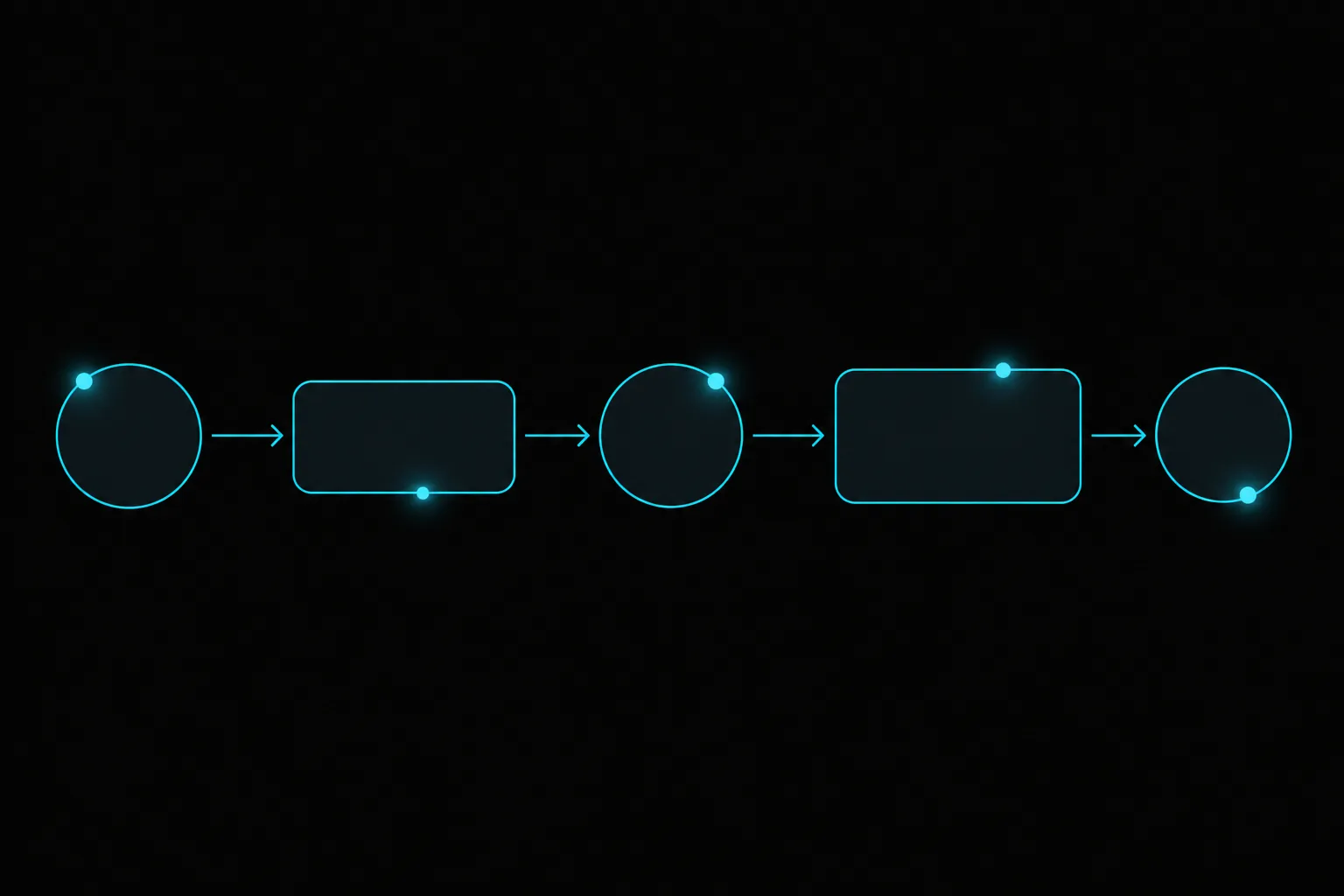
A voice AI workflow builder is a visual editor where you design what a voice agent does as a flow of steps: greet, verify, resolve, act and escalate, with tools and guardrails at each step. It replaces one giant prompt with something product, operations and compliance teams can all read and change.
Why not just write a better prompt?
Because prompts hide decisions. When a call goes wrong, you want to see the path it took, not reverse-engineer a paragraph. The stakes are real: a tribunal held Air Canada liable for a refund policy its chatbot invented (2024 BCCRT 149). The direction is clear too. Gartner predicts agentic AI will resolve 80 percent of common customer service issues without a person by 2029 (Gartner), and agents that act on their own need visible rules.
What are the building blocks?
| Node | What it does | Example |
|---|---|---|
| Conversation | Talks with the caller toward a goal | Find out why they are calling |
| Verification | Confirms identity before sensitive steps | OTP or ID check |
| Knowledge | Answers from approved topics | Card fees, branch hours |
| Tool | Calls a system during the call | Block a card, book a slot, create a ticket |
| Message | Sends a follow-up | WhatsApp, SMS or email confirmation |
| Guardrail | Forces escalation when policy requires | Fraud signals, angry caller, out of scope |
| Handoff | Transfers with full context | To the right team or person |
How do you design a workflow, step by step?
- Pick one call type. Start with a frequent, well-defined request such as "block my card".
- Write the happy path. Greet, understand, verify, act, confirm, close.
- Add the tools. Connect the systems the agent needs, such as core banking, CRM or calendar.
- Add the exits. For each step, decide what happens when it fails: retry, ask again or hand off.
- Add guardrails. List the situations that must always reach a person.
- Test with real calls. Replay recorded questions in different dialects and check each path.
- Launch, watch and adjust. Use call scores to find the step where most calls fail, and fix that branch first.
Who owns the workflow?
Engineering connects the tools; business teams own the flow and the wording; compliance reviews the guardrails. Because everyone can read the same diagram, changes ship in hours instead of waiting for a prompt rewrite cycle.
What makes it work in production?
Facts belong in governed knowledge topics, not inside the flow. Every call should be scored with AI call quality assurance, and handoffs should use caller memory and Arabic name matching.
Ready to move past prompt pastebins? Walk through a Voysera workflow with our team.
منشئ مسارات العمل للذكاء الاصطناعي الصوتي: صمم وكيلك خطوة بخطوة
منشئ مسارات العمل محرر مرئي تصمم فيه ما يفعله الوكيل الصوتي كسلسلة خطوات: ترحيب، تحقق، حل، تنفيذ، تصعيد، مع أدوات وضوابط في كل خطوة. يستبدل الأمر النصي الضخم بمخطط تقرؤه فرق المنتج والعمليات والامتثال وتعدّله.
- الأوامر النصية تخفي القرارات، والمخطط يُظهر المسار الذي سلكته المكالمة.
- تتوقع Gartner أن يحل الذكاء الاصطناعي الوكيل 80٪ من مشكلات الخدمة الشائعة دون موظف بحلول 2029، والوكلاء المستقلون يحتاجون قواعد واضحة.
خطوات التصميم
- اختر نوع مكالمة واحدًا مثل «أوقف بطاقتي».
- اكتب المسار الطبيعي من الترحيب إلى الإغلاق.
- اربط الأدوات: الأنظمة المصرفية أو إدارة العملاء أو التقويم.
- حدد ما يحدث عند فشل كل خطوة.
- أضف الضوابط التي تفرض التحويل إلى موظف.
- اختبر بمكالمات حقيقية بلهجات مختلفة، ثم أطلق وراقب.