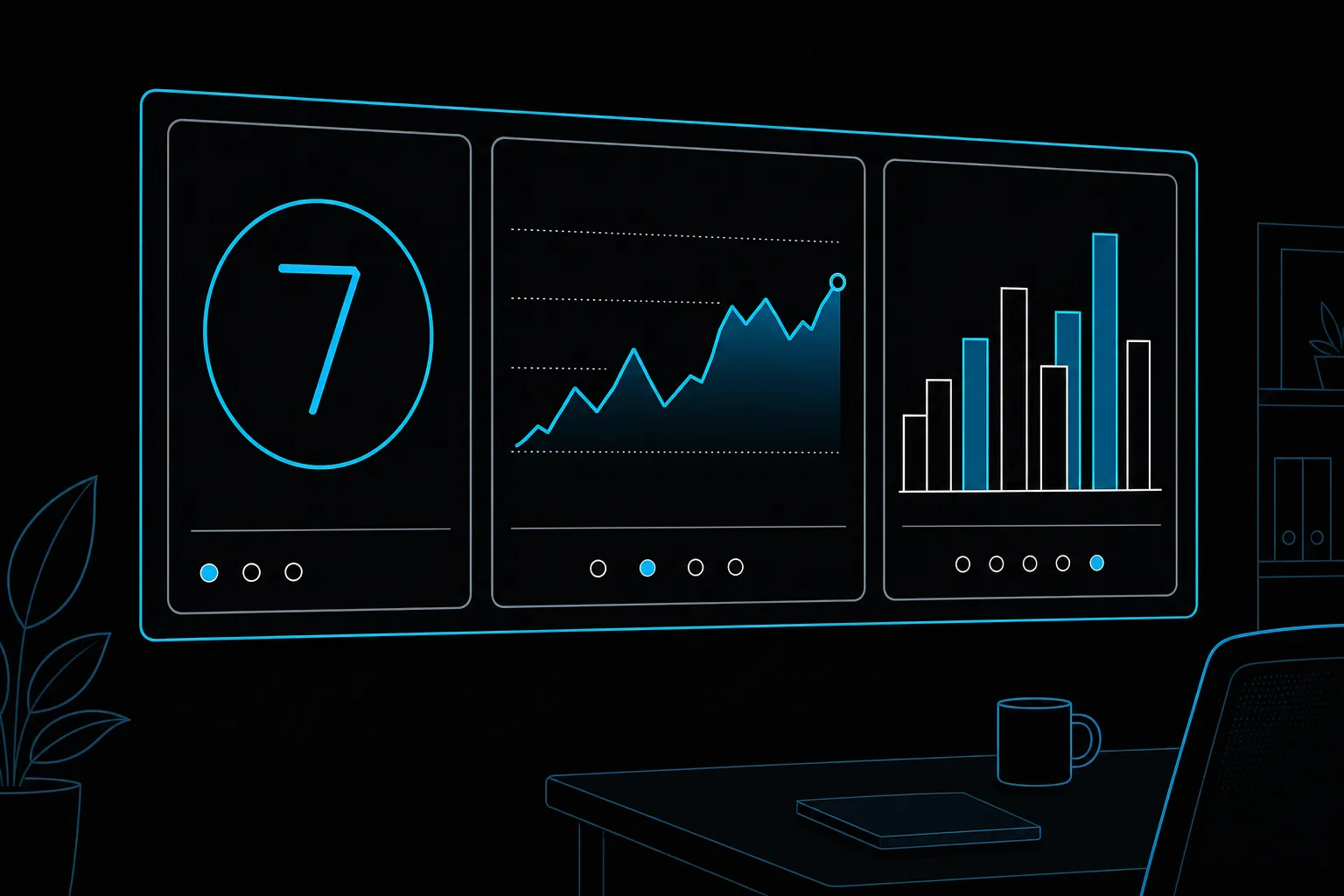
A voice AI call center dashboard is a live view of every AI-handled conversation: how many calls are active, how many end resolved or transferred, how callers feel, and what is failing. It also sends alerts by email, SMS or webhook when a number moves the wrong way. Without one, voice AI fails quietly.
Why does voice AI need its own dashboard?
Because results vary widely. In a 2026 survey of 412 CX leaders across the UAE, Saudi Arabia, Egypt, Jordan and Kuwait, the average AI automation rate was 41 percent, but the top quarter reached 82 percent and the bottom quarter stayed under 15 percent (Eshal AI CX Benchmark 2026). Gartner also warns that most contact centre GenAI investments miss their business objectives (Gartner). The teams at the top watch their numbers every day.
Which metrics belong on the board?
| Metric | What it tells you | Example alert to start with |
|---|---|---|
| Live concurrency | Load against reserved capacity | Above 80% of capacity for 10 minutes |
| Resolution rate | Calls finished without a person | Drops 10 points below last week |
| Transfer rate | Where the agent gives up | One intent doubles its transfers |
| Sentiment | How callers feel | Negative share rises sharply in an hour |
| Tool failures | Broken payments, bookings or CRM updates | Any failure streak on one tool |
| Response time | Whether turns feel live | P95 above 800 ms (Hamming AI target) |
The thresholds above are starting points. Replace them with your own baseline after the first week of traffic.
What does Voysera include?
- Live concurrency, queue and transfer rates.
- Sentiment and failure monitors that trigger email, SMS or webhooks.
- Shareable wallboard links for floor displays.
- Drill-down from a red tile to the calls behind it.
How do you set it up, step by step?
- Choose five metrics from the table above.
- Run one week of traffic to set a baseline.
- Set alerts on changes from that baseline, not on guesses.
- Give every alert a named owner and a channel.
- Review the board weekly and fix the top transfer reason first.
Why it belongs next to the agent
If monitoring is a separate project, nobody owns it at 3am. Built-in boards let the same team that runs your phone operation run the AI. Pair the board with AI call quality assurance to see why calls fail, and with capacity sizing to stay ahead of peaks.
Ask for a walkthrough of an ops board on a sample deployment.
لوحة مراقبة مركز الاتصال بالذكاء الاصطناعي: ماذا تراقب
لوحة مراقبة الذكاء الاصطناعي الصوتي عرض حي لكل محادثة: عدد المكالمات النشطة، وكم انتهت بالحل أو التحويل، وشعور المتصلين، وما يتعطل. وترسل تنبيهات بالبريد أو الرسائل أو webhook عندما يتحرك رقم في الاتجاه الخطأ.
النتائج تتفاوت كثيرًا: متوسط الأتمتة في المنطقة 41٪، والربع الأعلى 82٪، والربع الأدنى أقل من 15٪ (Eshal، 2026).
- المكالمات المتزامنة مقابل السعة المحجوزة.
- نسبة الحل دون موظف.
- نسبة التحويل لكل نية.
- المشاعر وتغيرها خلال الساعة.
- أعطال الأدوات مثل الدفع والحجز.
- زمن الرد وهدفه أقل من 800 مللي ثانية.
ابدأ بخمسة مقاييس، وشغّل أسبوعًا لتحديد خط الأساس، ثم اضبط التنبيهات على التغير عنه، وعيّن مالكًا لكل تنبيه.